12 native media types. Every dimension.
TiiHub supports more media types than any other social platform. Share spatial photos, spatial video, 360° panoramas, 360° video, 3D scans, and more. Each type gets a purpose-built viewer on iPhone and a full immersive viewer on Apple Vision Pro.
Every media type, explained
Here's every media type TiiHub supports, how to capture it, and how it looks on both iPhone and Apple Vision Pro.
Spatial Photos
Stereoscopic 3D photos captured on iPhone 15 Pro, iPhone 16, or Apple Vision Pro. On Vision Pro, they display with true depth, and you can switch between a floating window and full immersive mode. On iPhone, they show as standard photos with a spatial badge.
Capture with: iPhone 15 Pro+, iPhone 16+, or Vision Pro camera
Spatial Video
Stereoscopic 3D video in MV-HEVC format. Captured on iPhone 15 Pro and later or on Vision Pro itself. TiiHub uses Apple's native AVExperienceController for the highest-quality stereoscopic playback with seamless immersive mode switching.
Capture with: iPhone 15 Pro+, iPhone 16+, or Vision Pro camera
360° Photos
Full equirectangular 360° photos that wrap around you in a complete sphere on Vision Pro. Captured with 360° cameras like Insta360 or Ricoh Theta. On iPhone, you can pan around by dragging or moving your phone.
Capture with: Insta360, Ricoh Theta, or similar 360° camera
360° Video
Immersive 360° video that plays inside a sphere around you. On Vision Pro, it's a full immersive experience with head tracking. On iPhone, TiiHub uses a custom Metal-based sphere renderer for smooth playback with gyroscope control.
Capture with: Insta360 X5, Ricoh Theta, or similar 360° video camera
Panoramic Photos
Ultra-wide panoramas captured with your iPhone's built-in Pano mode. On Vision Pro, they display as a curved cylindrical arc at a natural 2-meter viewing distance, matching Apple's own Photos app behavior.
Capture with: Any iPhone (built-in Camera app, Pano mode)
3D Models (USDZ)
Shareable 3D objects in USDZ format. Scan them with TiiHub's 3D scanner on iPhone, or import models from Reality Composer Pro, Blender, or Cinema 4D. On Vision Pro, 3D models appear in a portal with custom lighting, or in full-space AR.
Create with: TiiHub 3D scanner, Reality Composer Pro, Blender, Cinema 4D
Regular Photos
Standard 2D photos from your camera roll. On Vision Pro running visionOS 26, TiiHub can optionally convert them to spatial 3D scenes using Apple's on-device AI, adding depth to flat images automatically.
Capture with: Any device
Regular Video
Standard videos from your camera roll. On Vision Pro, they play in Apple's native video player with the option to go expanded for a cinema-like viewing experience. HLS streaming supported for fast loading.
Capture with: Any device
Doodles
Hand-drawn art created directly on Apple Vision Pro. TiiHub's doodle canvas includes pencils, shapes, color pickers, and thickness controls. Create art in your spatial workspace and share it as a post.
Create on: Apple Vision Pro (built into TiiHub)
Text Posts
Pure text content for thoughts, questions, and discussions. Combined with TiiHub's threaded comments and voting system, text posts power community conversations in Hubs.
Create on: Any device
Links
Share URLs with rich previews. TiiHub automatically extracts titles, descriptions, and preview images. YouTube links get special embedded players. Link posts are great for sharing articles, videos, and resources in Hubs.
Share from: Any device
Floor Plans
3D room scans created with Apple's RoomPlan technology on iPhone. Walls, doors, windows, and furniture are detected automatically. Share your space as a detailed 3D floor plan.
Capture with: iPhone with LiDAR (iPhone 12 Pro or later)
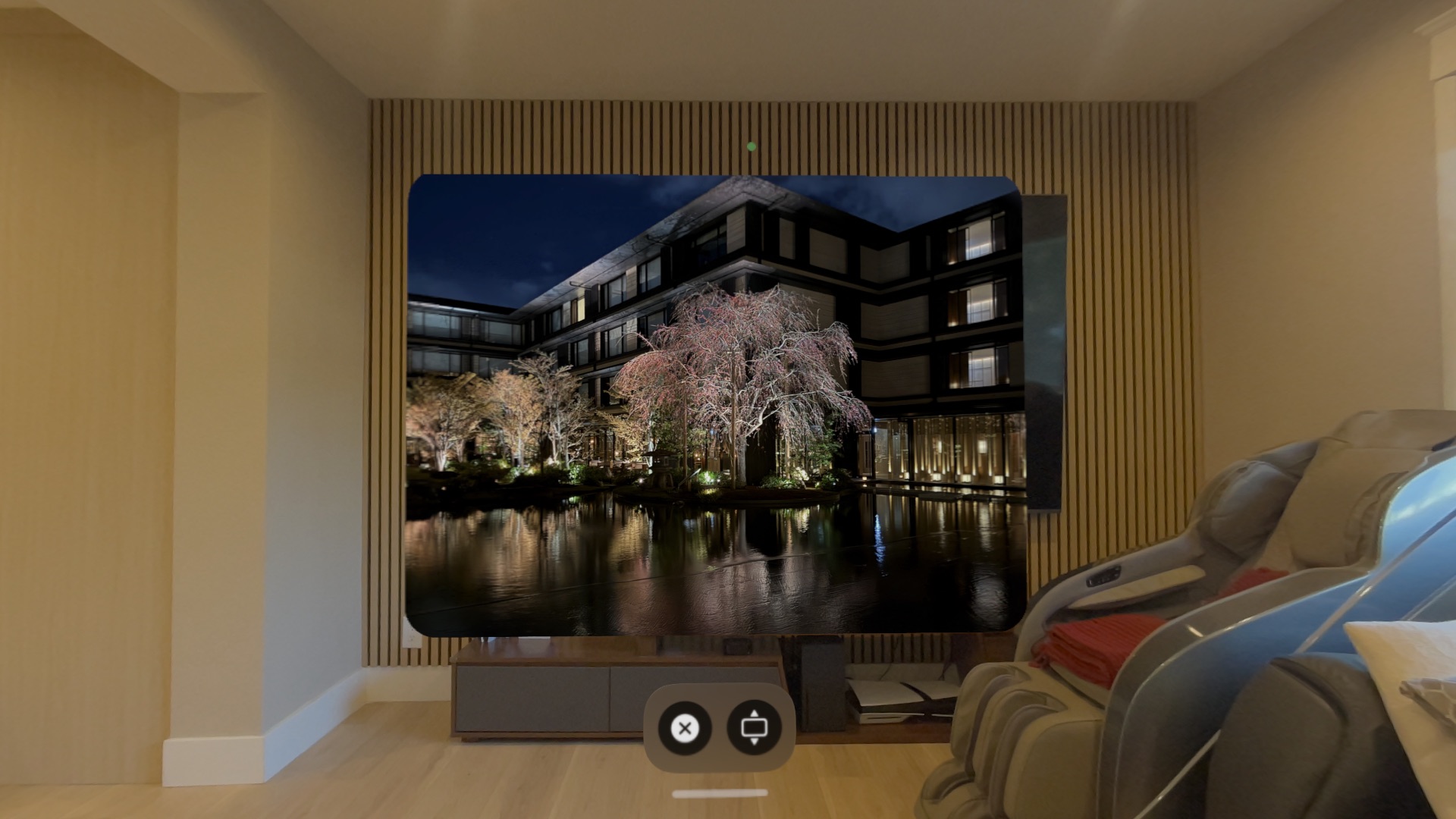
Spatial photo in window mode
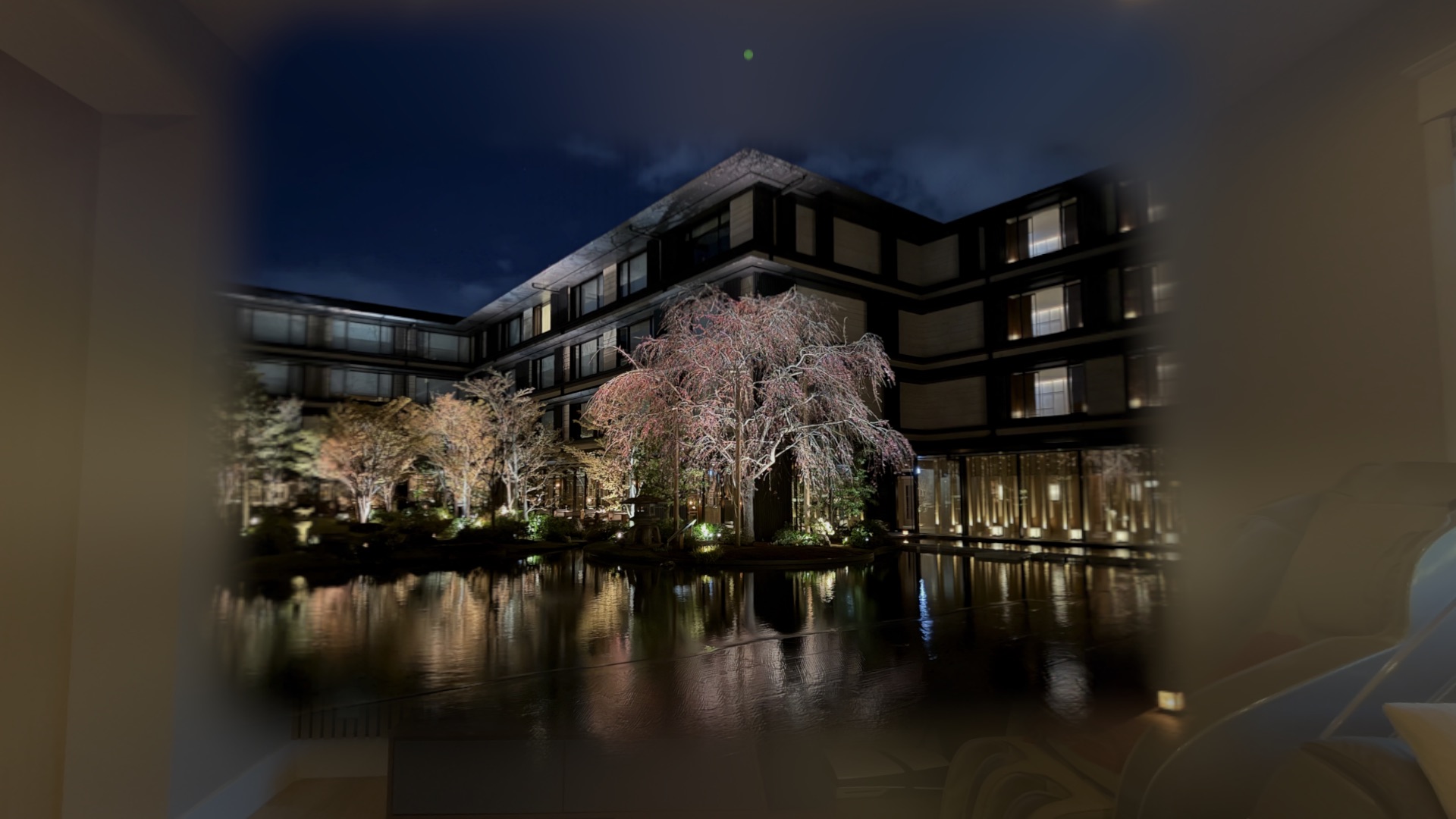
Spatial photo in immersive mode
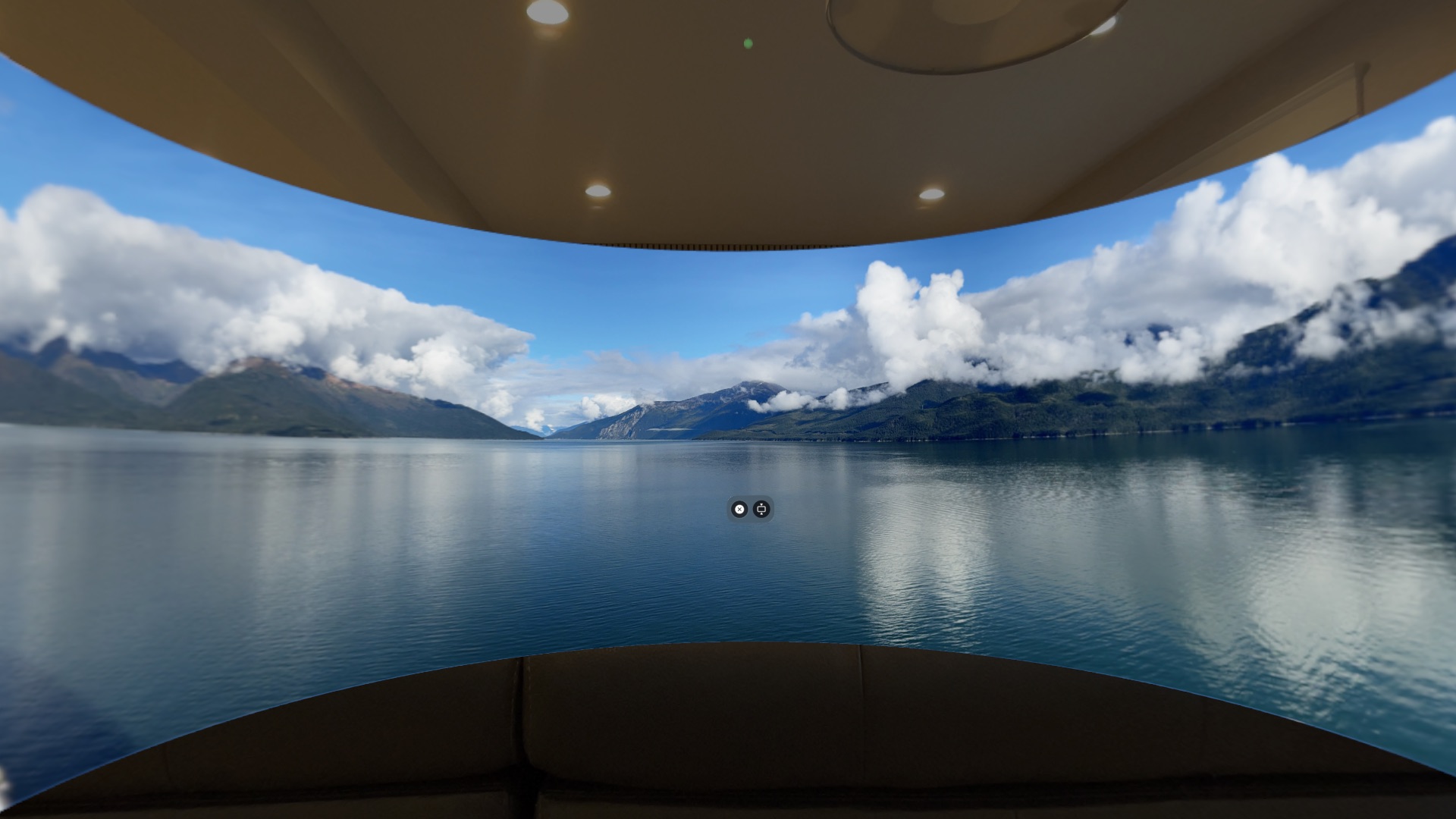
Panorama immersive viewing
Immersive viewing on Apple Vision Pro
Every immersive media type on TiiHub has two viewing modes on Vision Pro: a floating window in your space, and a full immersive mode that surrounds you.
Window Mode
Media appears as a floating panel in your space. Great for browsing your feed, previewing content, and casual viewing. Spatial photos show depth in the window. 3D models display in a portal with lighting.
Immersive Mode
Tap to go full immersive. 360° content wraps around you in a sphere. Spatial photos and videos fill your field of view in stereoscopic 3D. 3D models open in a full-space AR viewer at real-world scale.
In-Feed Portals
Spatial photos, spatial videos, and 3D models show inline in your feed as portals. A small window into the 3D content, right in your timeline. Tap to open the full viewer.
Adaptive media display
TiiHub displays photos and videos at their native aspect ratios in the feed, Instagram-style. Portrait, landscape, and square content all display naturally without cropping. Aspect ratios are stored when content is uploaded and used to calculate the correct frame height in the feed. Legacy posts without ratio data fall back to a standard fixed height.
HLS streaming for fast video loading
Videos on TiiHub are processed into HLS (HTTP Live Streaming) format using a cloud pipeline. This means videos start playing almost instantly instead of waiting for a full download. The pipeline runs on Google Cloud Run with FFmpeg codec-copy, processing each video in roughly 5 to 15 seconds. Regular videos and 360° videos both support HLS. Spatial video (MV-HEVC) uses progressive download to preserve the stereoscopic format.